
Among Us Squid Game Killer Doll Character cursor
78Free
Bring the fun of both Among Us and Squid Game to your screen with the custom cursor for Google Chrome. Download the Among Us Squid Game Killer Doll Character now!
Install the Cursor Space extension for Chrome or Cursor Space for Edge in your browser.
On this page, click "Add this cursor pack to the extension".
Open the extension and go to the Packs tab.
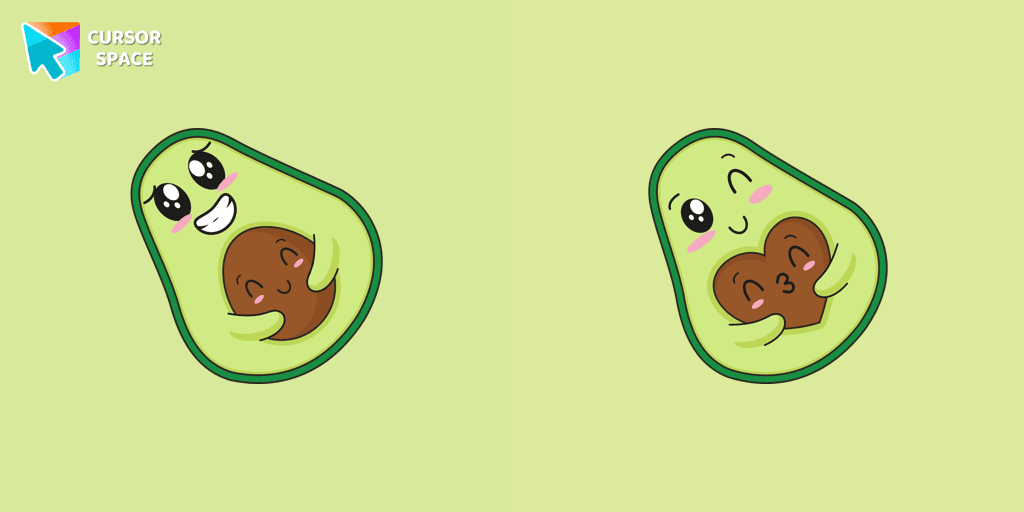
Find the custom cursor pack "Kawaii Avocado cursor" and click it.
Enjoy!
Get this cursor pack and thousands of others by installing our extension. It's fast and free!
Kawaii Avocado Cursor is a themed cursor pack you can add to your browser to personalize your pointer across common cursor states (default and pointer). Use it for everyday browsing, streaming, studying, or gaming-anywhere you want your cursor to match your vibe.
See how the cursors look before installing.
Add the pack to the extension in a few clicks.
Designed for Chrome and Edge via the extension.
Quick answers to common questions about cursor packs, collections, and installation.
Yes. To apply cursor packs in Chrome or Edge, install the Cursor Space extension and add this pack to it.
Cursor packs are designed for Chromium browsers like Chrome and Microsoft Edge.
Open the extension, choose another pack or disable the current one to return to your default cursor.
Custom cursor and packs - neon, anime, pixel art. Quickly add to Chrome and Microsoft Edge for free
Bring the fun of both Among Us and Squid Game to your screen with the custom cursor for Google Chrome. Download the Among Us Squid Game Killer Doll Character now!
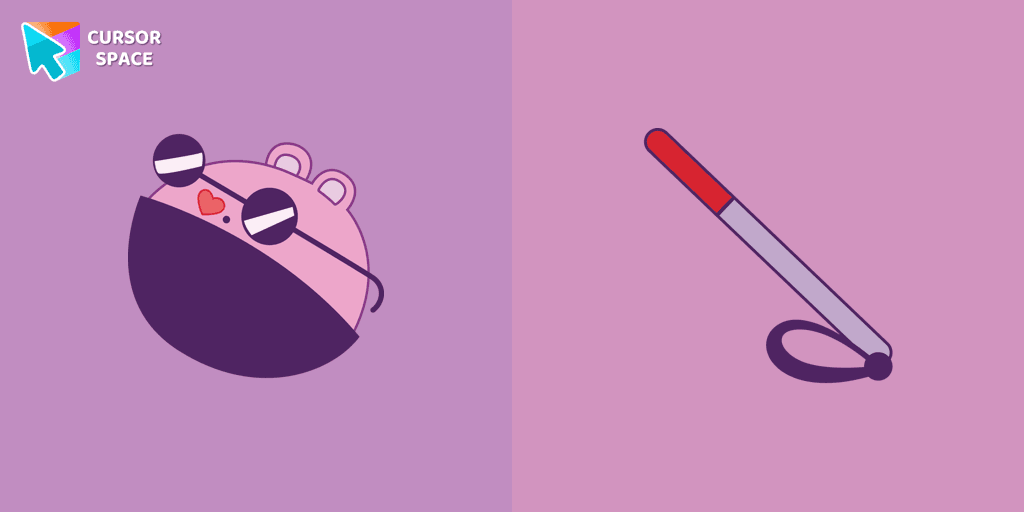
The Mole custom cursor for Google Chrome adds a fun and quirky touch to your browsing. Inspired by a small mole, it brings a playful alternative to the default cursor.
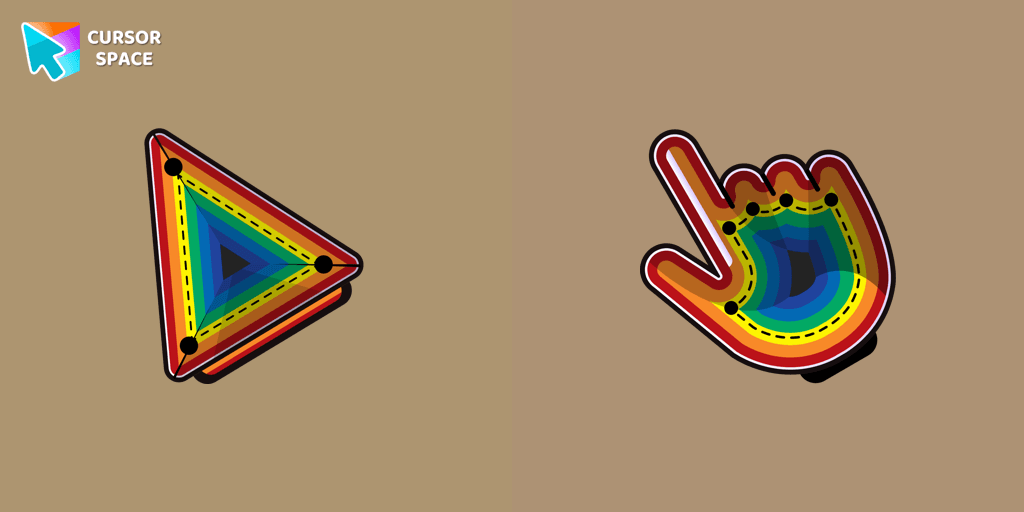
Enhance your desktop with the Illusion custom cursor - a stylish and eye-catching design that adds flair and personality to your Chrome experience.

Add a touch of sinister charm with the Devil custom cursor from our Cuphead collection. Upgrade your browsing with this unique custom cursor for Google Chrome.


Our Genshin Impact custom cursors collection for Chrome will allow you to use the Tartaglia character as a custom cursor for the mouse and pointer.
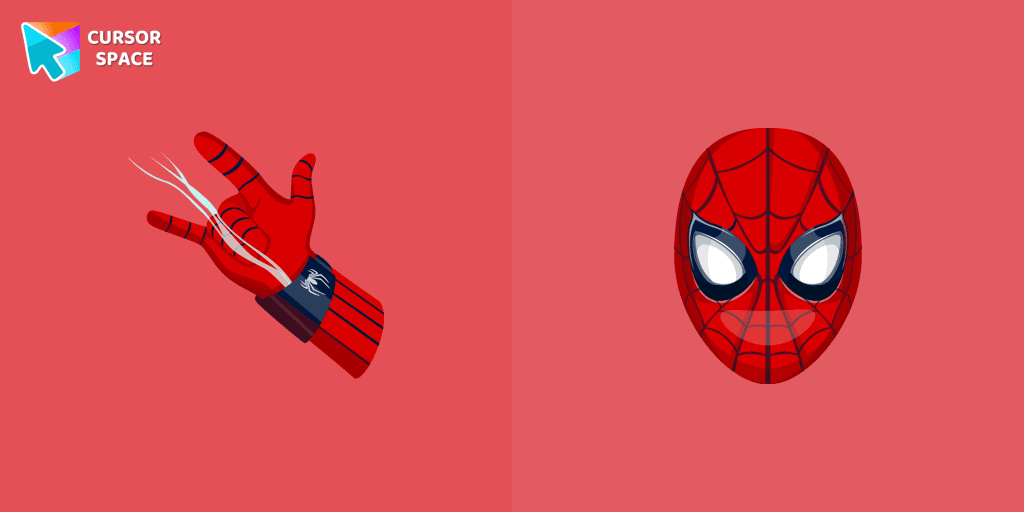
Transform your browsing with the Spiderman custom cursor for Google Chrome. Enjoy the thrilling design and web-slinging animations of this iconic superhero.
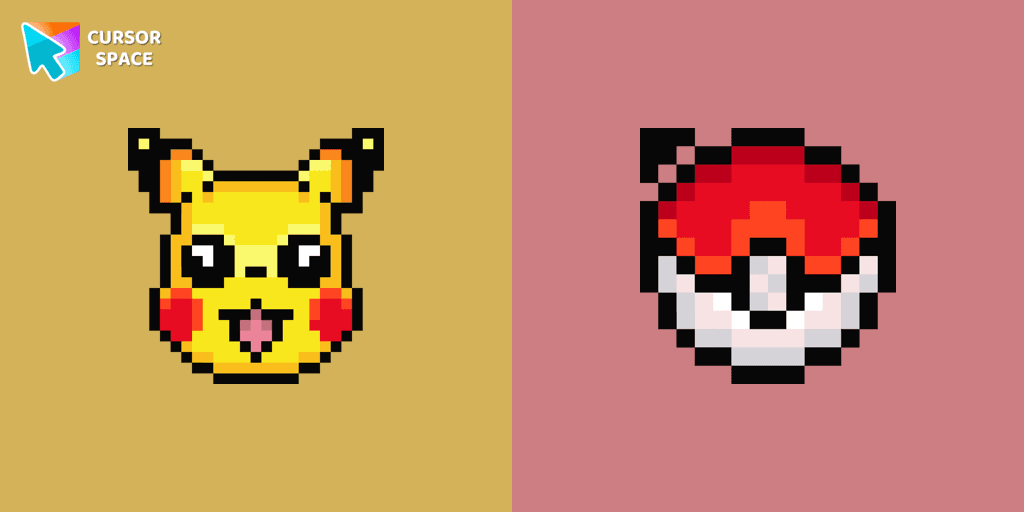
Cute Pixel custom cursors collection for Chrome gives you an opportunity to change the usual cursor to Pikachu Cursor in a cool pixel design.
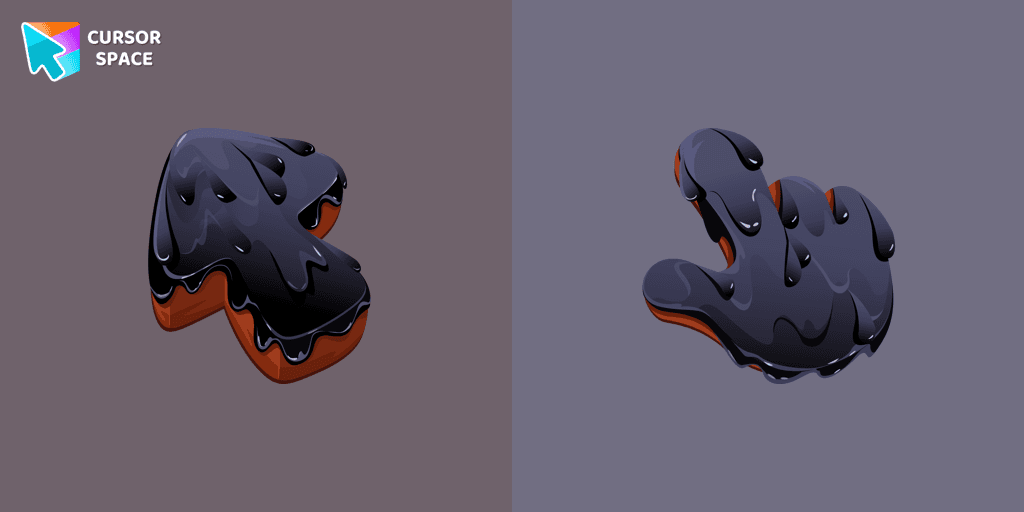
Upgrade your browsing with the Black Resin custom cursor for Google Chrome. Sleek and stylish, it adds a sophisticated touch to your screen. Try it now.

Introducing the Among Us Whisper the Wolf Character Cursor

Experience the excitement of custom cursor for Google Chrome with the Among Us Squid Game Gi-Hun Character cursor. A fun blend of two worlds!

This cursor has been added to the game as part of the recent update and has quickly gained popularity among fans.
Installation leaders from "Kawaii": free packs, neon/anime/pixel art, quick add to Chrome and Edge.

Sullen broccoli as a mouse cursor and a hover pointer with a funny carrot.

The Kawaii custom cursors collection for Chrome will be the best suite for all fans of the culture of cuteness kawaii.
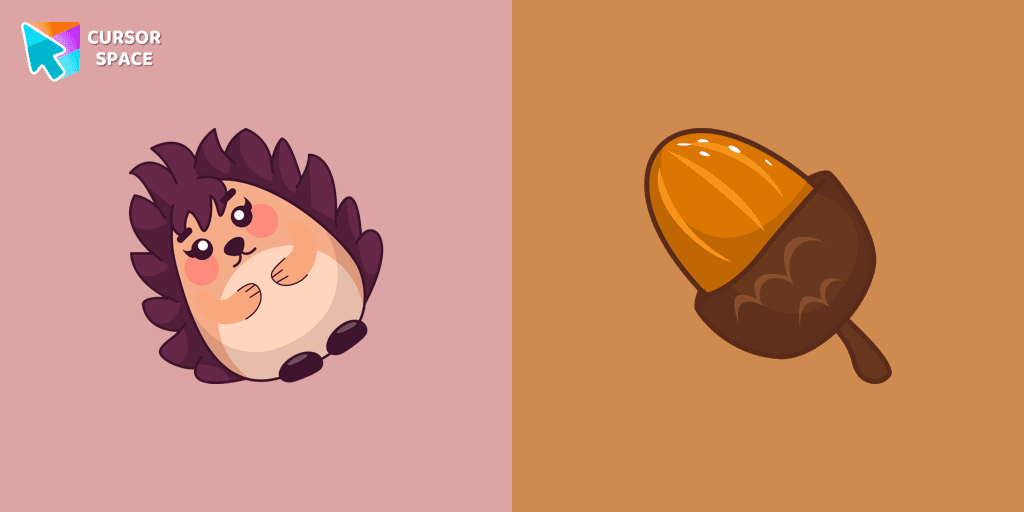
Kawaii Hedgehog cute cursor for a mouse and acorn hover comes together with the custom cursor with Kawaii Hedgehog.

There is a custom cursor with a Porcini and oakleaf as a hover in a set of kawaii cursors for Chrome.

Add a Baby Sloth cute cursor from our custom cursors collection for mouse and pointer in kawaii design.

Friendly Brain as a custom cursor for the mouse and a cute pointer will look pretty nice on your screen.
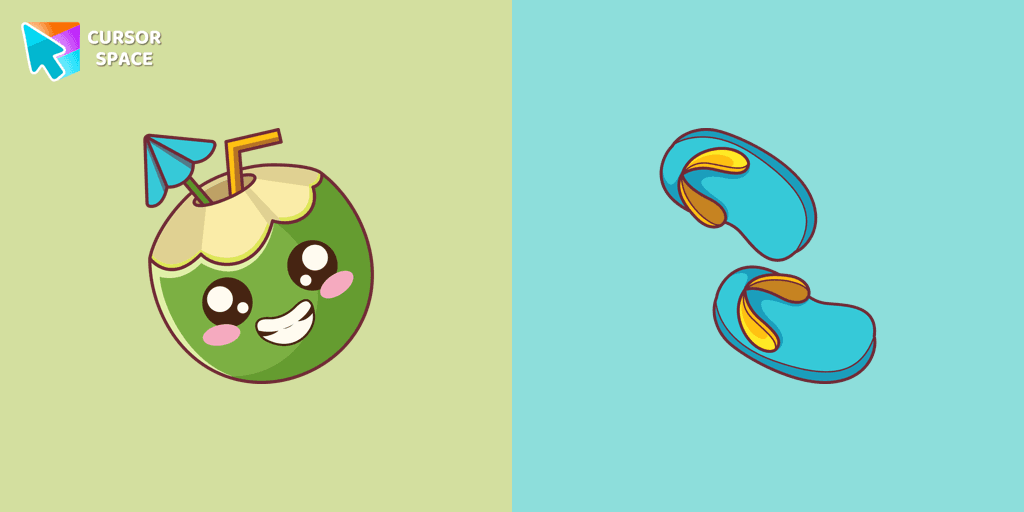
The Kawaii custom cursors collection for chrome in your browser!

The incredible Kawaii cursor collection for Chrome will be the best set for all Kawaii fans.
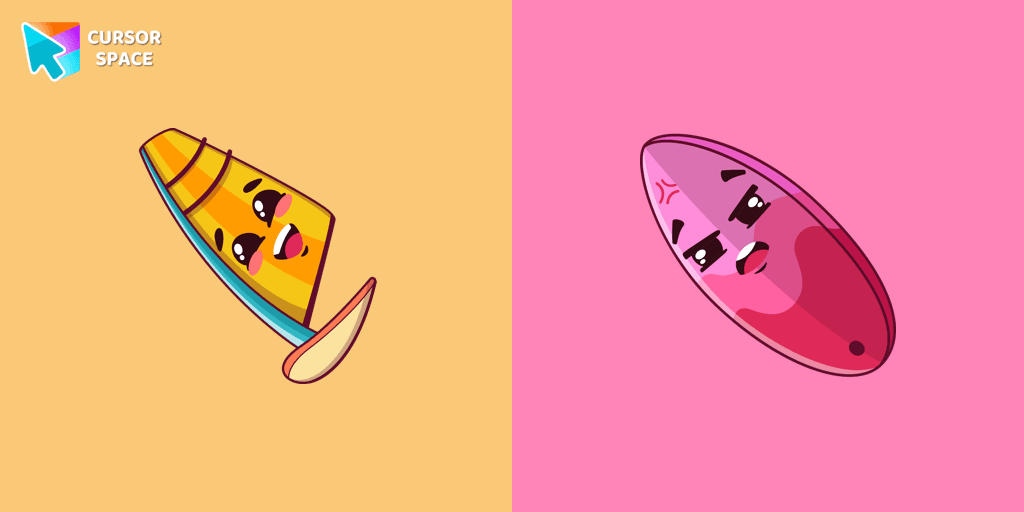
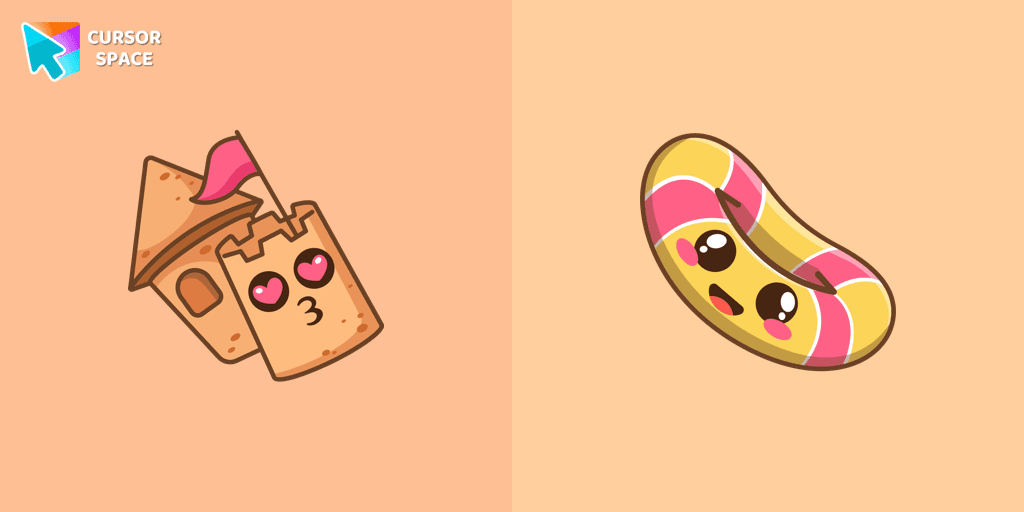
Sand castle pointer for mouse and a funny rubber ring cursor that was created in Japanese Kawaii style for our custom cursor collection.

Cute Popcorn and Corn cursor in our adorable custom cursors collection with Kawaii.

Funny Poo pointer for mouse and a funny paper cursor that was created in Japanese kawaii style.
Add packs instantly and unlock access to thousands of cursors: neon, anime, pixel-art, and more. Fast, safe, and free.
Cursor Space is an extension for changing your mouse cursor in Chrome and Edge browsers: themed collections, HiDPI icons, neon, animated, and pixel cursors, with quick installation.